Three steps to a calmer morning
Add your clothes
Snap or import up to 20 pieces at once. Backgrounds are removed and categories suggested right on your iPhone — review, and they join your private closet.
Open each morning
A complete outfit picked from what you own, adjusted for the weather outside your door, with a short note and a lucky color written for your sign.
Tap worn, or swap
One tap logs the day. Wear counts and cost per wear build quietly in the background, so your closet starts telling you the truth.
Make more of the closet you have
No stock-photo outfits you cannot wear. No shopping feed. Just your real clothes, made easier to see and reuse.
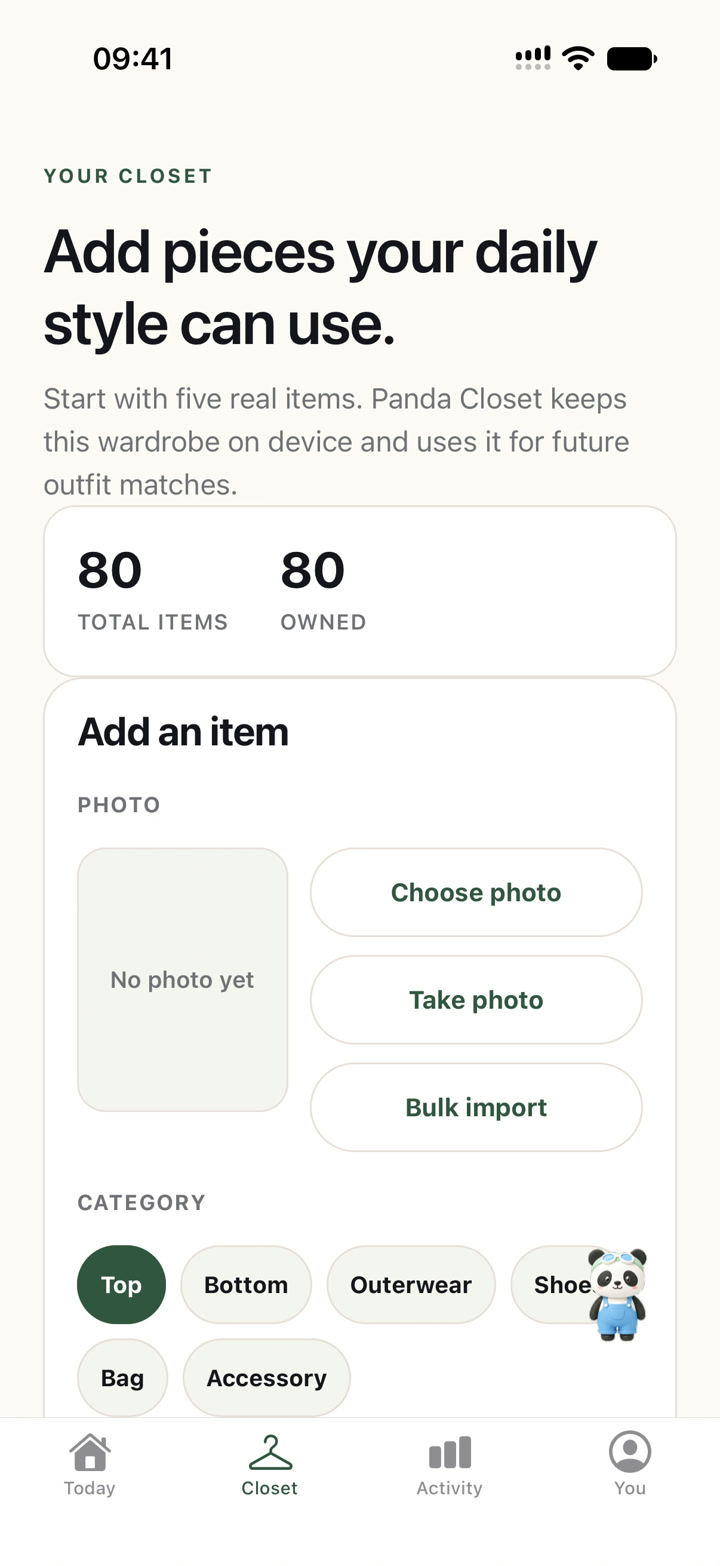
Import several pieces at once
Select up to 20 clothing photos in one batch. Panda Closet removes backgrounds and suggests each category and color, then lets you review everything before it enters your private closet.
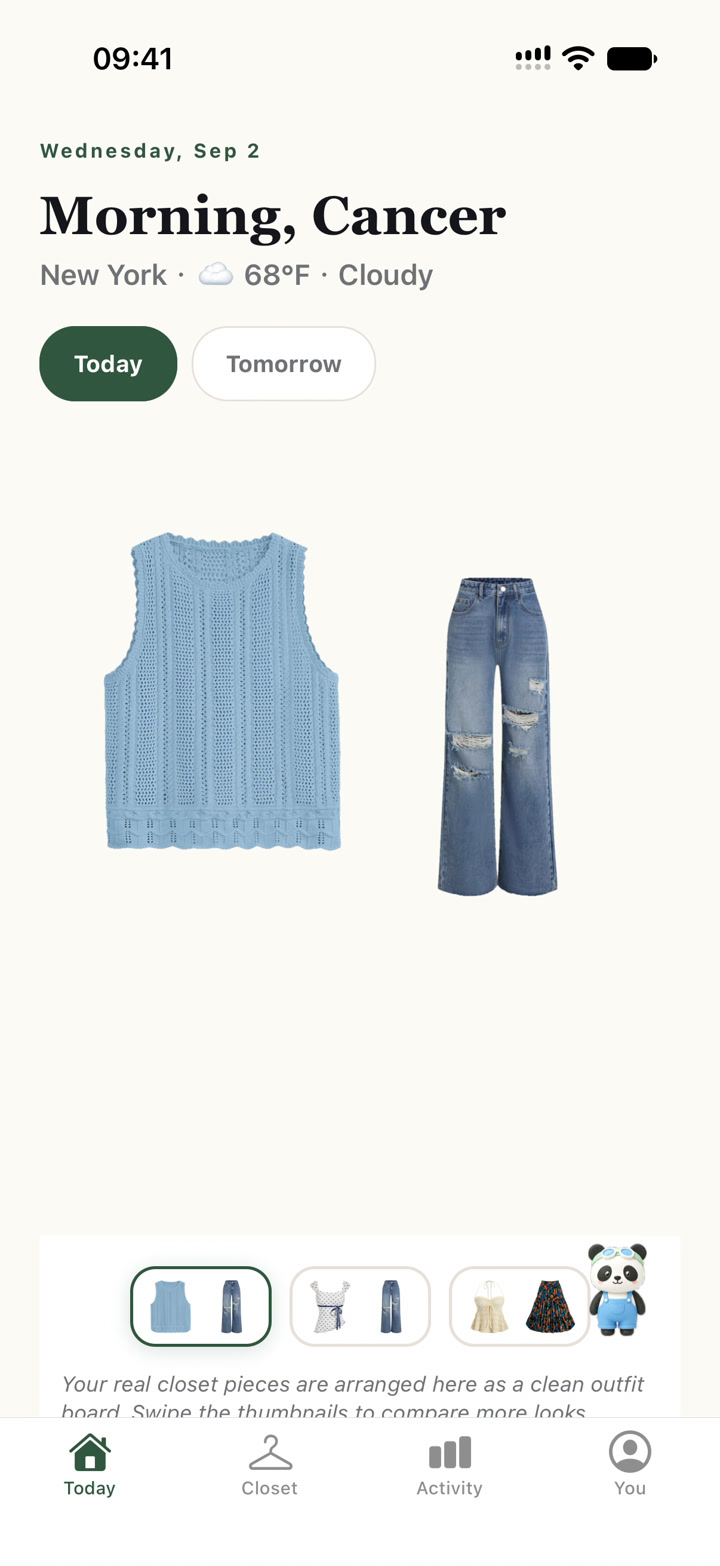
Outfits from clothes you actually own
Every morning, Panda Closet picks a complete outfit from your real pieces — adjusted for the weather outside your door. Tonight, peek at tomorrow's plan and lay it out before bed.
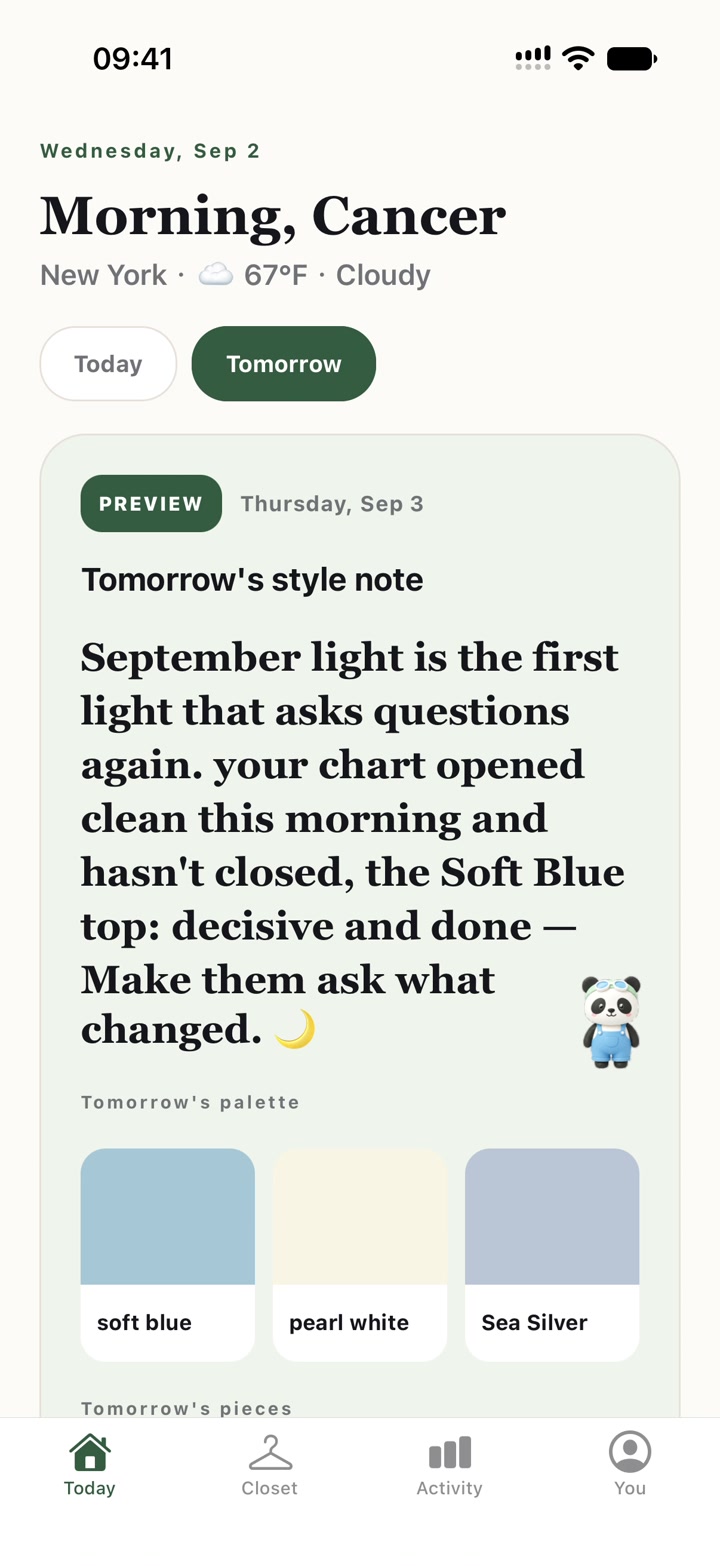
Tomorrow is ready before bedtime
Check tomorrow's forecast, style note and color palette before the morning rush. Your complete outfit is waiting just below, ready to pin so the plan stays the same when tomorrow arrives.
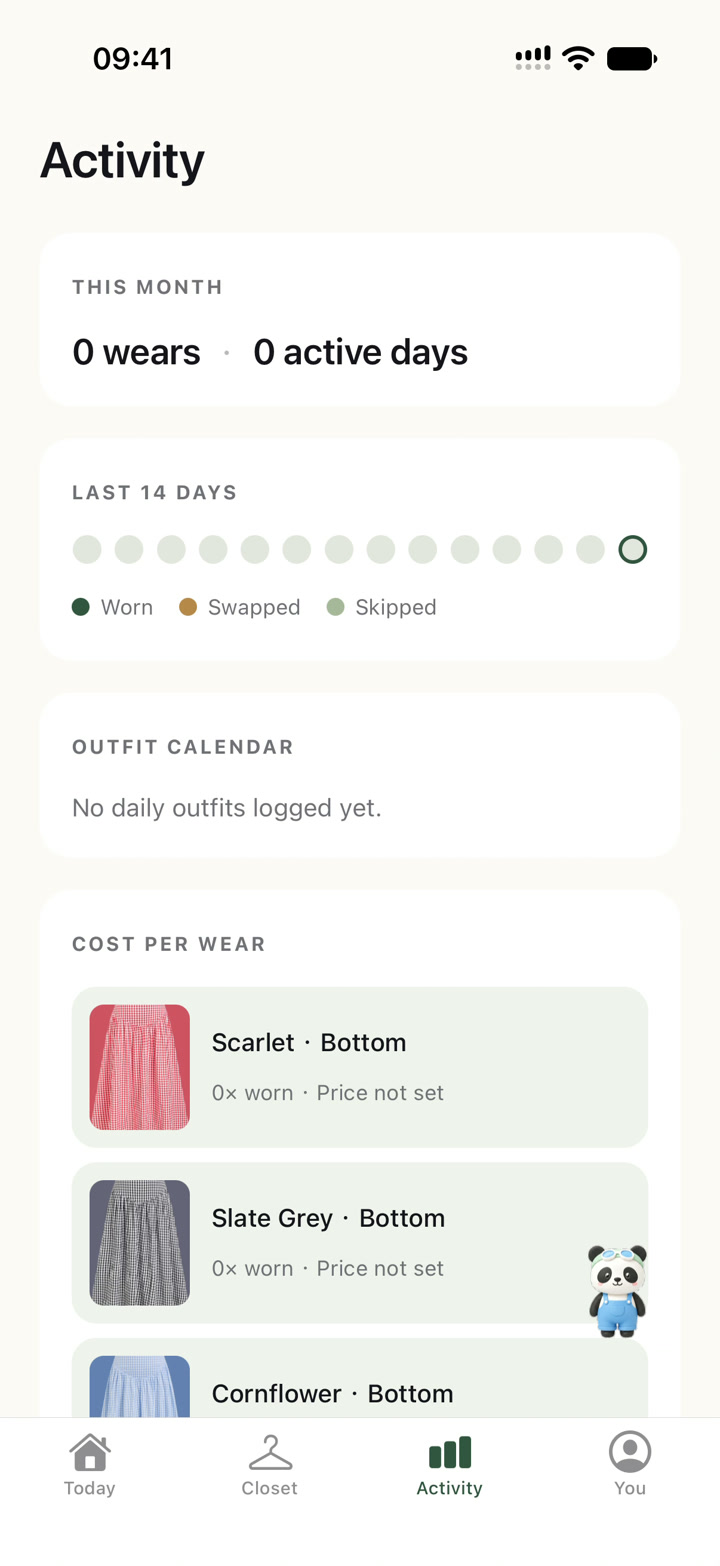
Know what your clothes are worth
Log what you wear with one tap. Panda Closet keeps the history — wear counts, cost per wear, and the pieces quietly collecting dust. Try the math on our free cost-per-wear calculator.
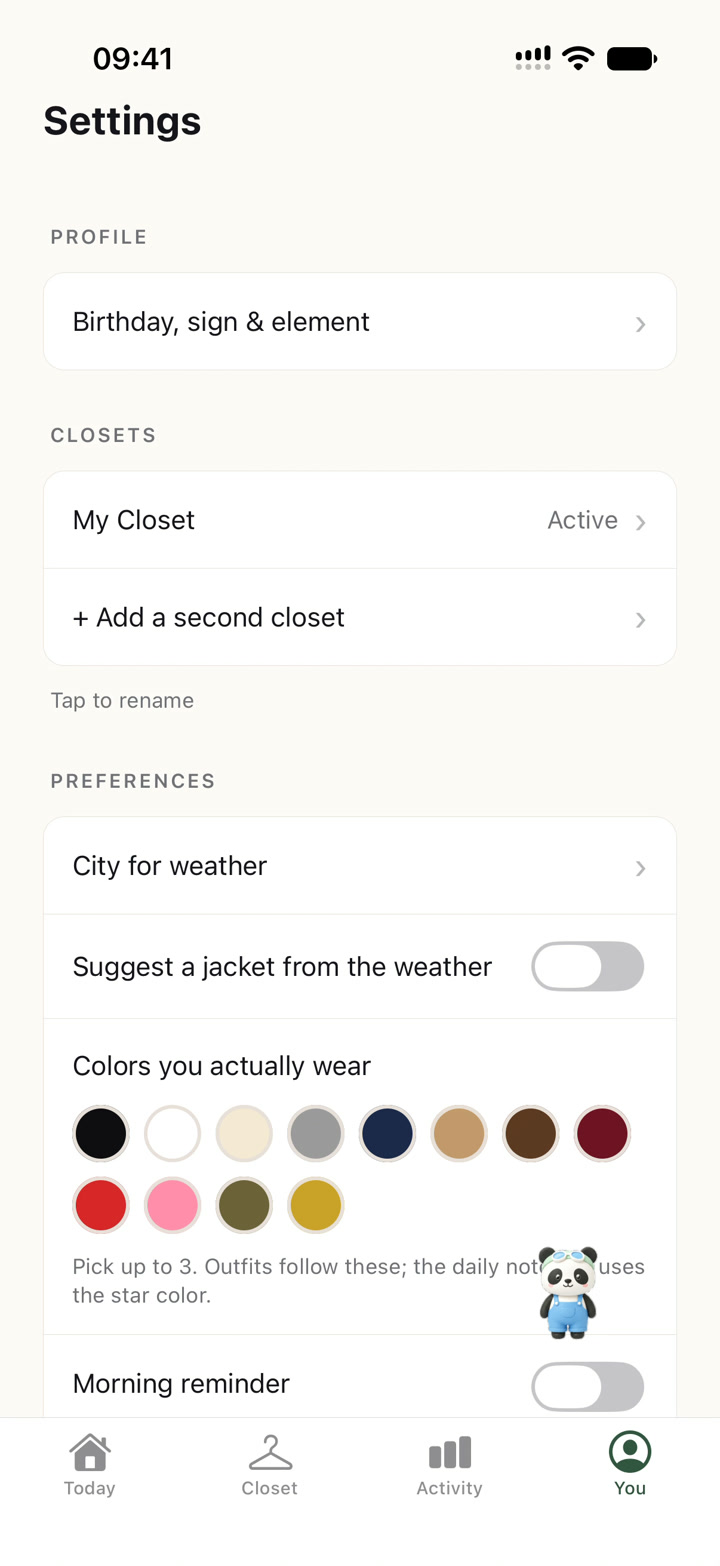
Teach it how you actually dress
Choose the colors you really wear, set your city for local weather, and decide when a jacket belongs. The plan follows your preferences instead of forcing a generic style feed.
A styled look for your sign, every day
One editorial look and a lucky color, refreshed daily. Free to peek — no sign-up, no birth chart required. See today's →
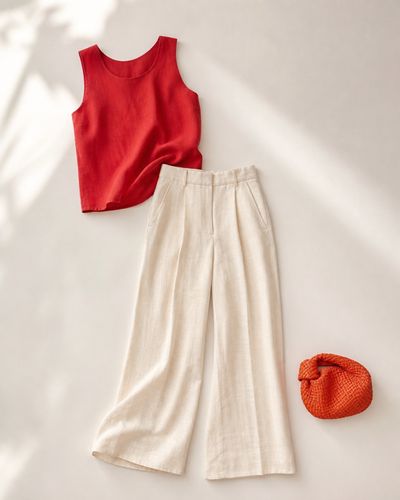
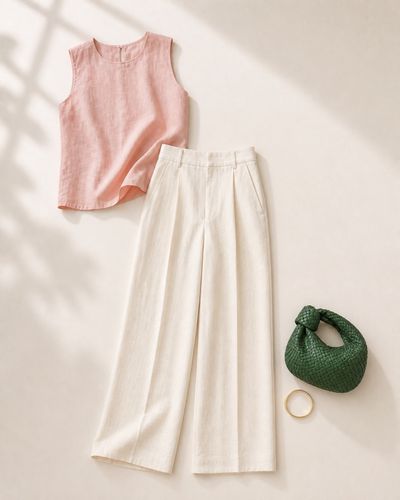
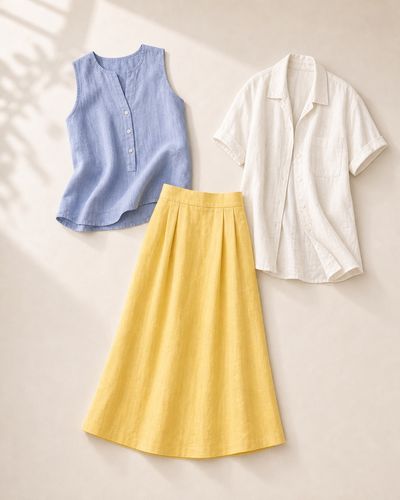
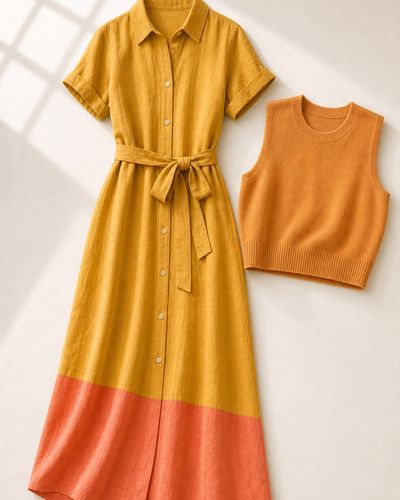
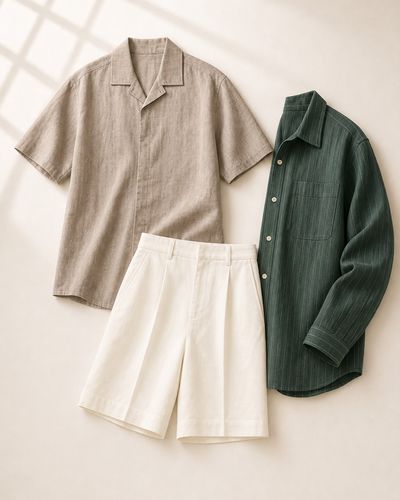
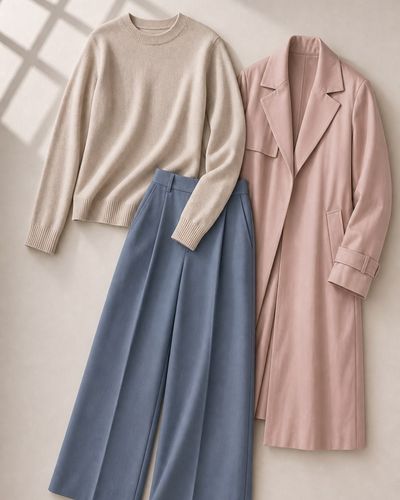
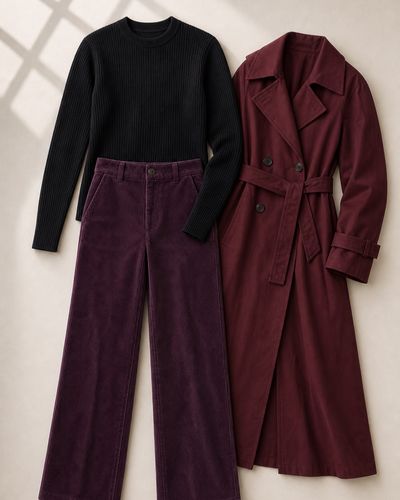
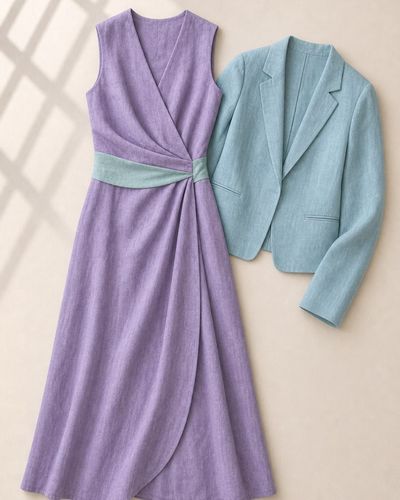
Today's lucky color
Tap your sign for today's color and a styled look — the same little ritual the app offers every morning.
Two closets, one phone.
Plus unlocks unlimited wardrobe items, a second closet, watermark-free share cards and two extra card styles — while keeping wardrobe processing on the device.
Questions, answered
Is Panda Closet free?
Yes. The core closet, daily outfit ideas, wear logging and cost-per-wear tracking are free. Optional Plus unlocks higher limits and a second closet.
Do I need an account?
No email or manual sign-up is required. Your wardrobe, photos and history remain on your iPhone.
Where do my clothing photos go?
Clothing photos are processed and stored on your iPhone. Panda Closet does not upload them for wardrobe or outfit-planning features.
Which iPhones does Panda Closet support?
Panda Closet runs on iPhones with iOS 16 or later.
How is it different from shopping or outfit-feed apps?
Panda Closet never shows stock-photo outfits or shopping feeds. Every suggestion is built from clothes you already own, so you can actually wear what it recommends.
Is the astrology part serious?
It is a playful layer, offered for entertainment only. The practical closet tools — wardrobe, weather-aware outfits, and cost-per-wear — work exactly the same with or without it.
Your closet already has the answers.
Download Panda Closet free, add your first pieces tonight, and let tomorrow morning dress itself.
Download on theApp Store